
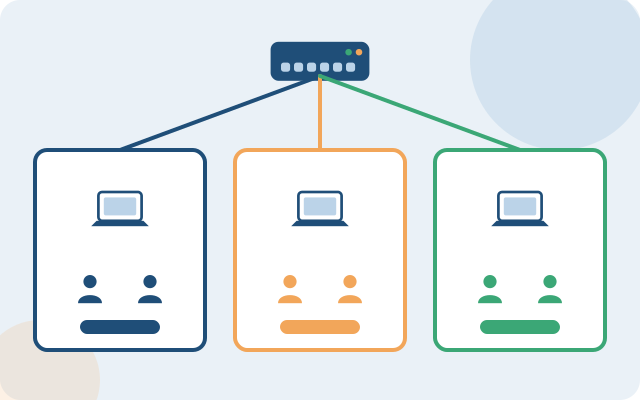
A VLAN (Virtual LAN) lets you divide one physical network into several isolated logical networks. They share the same switch infrastructure but cannot "see" each other unless allowed through a firewall or router. It is a basic technique that small systems often skip, until an incident spreads across the whole network.
Containing incidents by area
Without VLANs, every device sits in the same broadcast domain. One faulty device (a network loop, or a virus spreading across the internal network) can affect the whole system, not only the area where it started. Separating VLANs by room or area limits the impact to that VLAN.
Security control by data sensitivity
Accounting and finance, engineering teams handling customer data, and guest Wi-Fi areas should sit in different VLANs with their own access policies through the firewall, rather than letting all staff and guests share one flat network.
Bandwidth management by device group
Security cameras and IoT devices (door locks, sensors) usually do not need high bandwidth but can consume resources if they share a VLAN with work computers. Separating VLANs by device type lets you apply bandwidth and priority (QoS) policies suited to each group.
When to start separating VLANs
Even a small office under 50 users should separate at least 3 basic VLANs: the internal staff network, a guest / public Wi-Fi network, and a security-device network (cameras, door locks) if you have them. The larger the organization and the more departments with different data sensitivity, the more detailed the separation should be by area.
VLAN separation is a design step best done from the start when building new infrastructure. Adding VLANs to a system that is already running stably is still possible, but needs careful planning to avoid disruption.
Is your current network not clearly separated into VLANs?
Book a survey. COREIT assesses your setup and proposes network segmentation that suits it.