
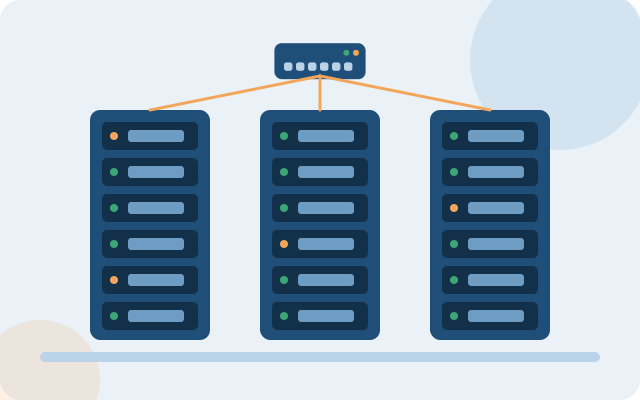
Many businesses have backups but have never tried a restore. An unverified backup is only hope, not protection.
Are you facing any of these?
Backups sit next to the original data
Fire, theft or ransomware encryption can take both.
Not knowing how long a restore takes
Downtime lasts much longer than expected.
Not clear which data has priority
Everything is backed up, or something important is missed.
Main scope
And more besides, depending on what fits your situation.
Identify critical data
We list with you the systems and data to protect, and their priority.
Multiple backup copies
At least one copy off-site, following the 3-2-1 rule (3 copies, 2 types of storage, 1 copy elsewhere).
Automated, with alerts
You know right away when a backup fails, not when you need it.
Scheduled restore tests
A real check that the copy is usable and how long it takes.
Recovery plan
Who does what, and in what order, when an incident occurs.
Protection from ransomware encryption
Backups are separated from the normal network.
How the system is usually organized
- Servers and NAS back up on an automatic schedule
- A second copy elsewhere or in the cloud
- Alerts when a backup fails
- Scheduled restore drills
The specific architecture is set after the survey, depending on your size and current setup.
4 clear steps from the start
- ListCritical data and systems.
- DesignHow to back up, where to store, and how often.
- DeploymentConfiguration and a first restore test.
- MaintainPeriodic checks, updated when systems change.
Frequently asked questions
Is backing up to the cloud safe?
Safe if configured correctly: data encryption, multi-factor authentication and tight permissions. We help choose an option that fits your data and budget.
How often should we test a restore?
At least once a year for all critical systems, and individual parts more often. The specific frequency depends on how important the data is.
How much data can we lose, and how fast can we recover?
These two figures (usually called RPO and RTO) are defined with you at the start, and the backup is then designed to meet them.
Do employees' personal computers need backup?
They should, at least for the important work folders. A simple approach is to require that work data be saved to shared storage that is backed up.
Reference vendors and product codes for this solution
By specific need and size. Codes are for reference; COREIT fixes the model and successor versions after the survey, and can use equivalent equipment from other vendors to suit the budget.
| Need | Smaller sites | Medium and large sites |
|---|---|---|
| Backup software | Synology Active Backup | Veeam Backup & Replication |
| Storage | Synology DS923+ or QNAP TS series | Synology RS2423+ / RS3621xs+, Dell PowerVault ME5 or HPE MSA 2060 |
| Immutable copy | Snapshot locking on the NAS | Veeam Hardened Repository (Linux) and object storage with Object Lock |
| Recovery server | Dell PowerEdge R360 | Dell PowerEdge R660 or HPE ProLiant DL360 Gen12 |
| Protected virtualization platform | Microsoft Hyper-V | VMware vSphere or Hyper-V, multi-host cluster |
Xem quy trình dịch vụ kỹ thuật → · Need help configuring or tuning equipment you already own? See device support →
Want to know where to start?
Take the 2-minute quick assessment, or leave your details and an engineer will call you back with free advice.
IT infrastructure assessment (2 min) Get advice